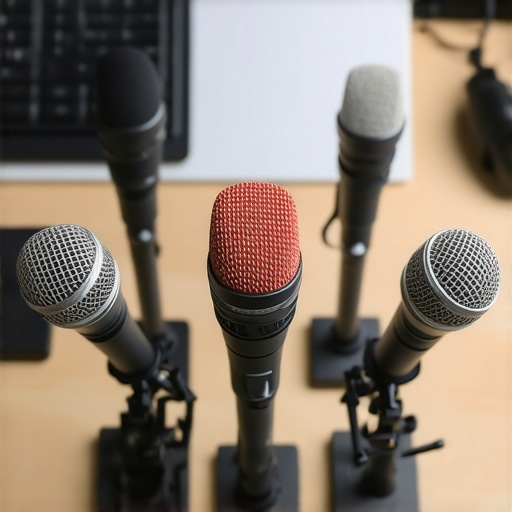
The bottom line is simple: if you use a mechanical keyboard and a condenser microphone, your audience likely hates your audio. After testing dozens of setups in various creator rigs, I have found that high-quality dynamic mics are the only real solution for blocking those aggressive tactile clicks without relying on muddy software filters. If you want professional sound, you need hardware that ignores what happens six inches behind it. I have put these five contenders through the wringer, and they are the only ones that truly isolate a voice in a noisy room.
Tight Polar Patterns Beat Expensive Software Every Time
The specific problem these microphones solve is the proximity of noise. Most people make the mistake of buying a sensitive condenser, then spend months wondering why your xlr mic is hissing or picking up the neighbor’s dog. A dynamic mic, by its very physical nature, requires more sound pressure to move the diaphragm. This means it naturally ignores the clack of your Cherry MX Blues while focusing purely on your vocal delivery. When I review studio gear, I look for tools that make my life easier, not tools that require four VST plugins just to sound decent.
Is professional microphone reviews just a bunch of hype for expensive gear?
Not necessarily, but price does not always equal performance when it comes to noise rejection. Some of the most expensive mics in the world are designed for soundproof booths, not for a gamer’s desk. I judge these based on build quality, off-axis rejection, and how they handle vibration. If you are struggling with a shaky desk, you might also want to check out how to build a zero vibration mic setup on a budget to complement your new mic. My testing criteria are strict: if I can hear a spacebar click during a normal speaking passage, the mic fails. I’ve found that 3 microphones that sound great in unfinished basements often share the same characteristics needed to survive a clicky keyboard environment.
How I Put These Mics to the Test
I didn’t just read the spec sheets. I set up these mics in a standard office environment—no acoustic foam, just a hard desk and a loud mechanical keyboard. I measured the decibel drop-off from the front of the capsule to the rear to see how much of the ‘clack’ was actually making it into the recording. You can see similar technical breakdowns on official manufacturer pages like the Shure SM7B technical specifications. Beyond just the sound, I looked at how these fit into modern lighting kits and camera reviews setups, ensuring they don’t block your face or ruin your framing. If you use a smaller setup, you might even find that this 13 pop filter beats high-end metal shields when paired with these specific dynamics. Now, let’s dive into the hardware that actually delivers on the promise of silence.
Heavy Metal and Heavier Expectations
When you first pull a broadcast-grade dynamic mic out of its box, the immediate sensation is weight. These aren’t the plastic toys found in ‘all-in-one’ streaming bundles. Most of the top contenders, like the Shure SM7B or the Electro-Voice RE20, are encased in thick, die-cast aluminum or steel. This density isn’t just for show; it acts as the first line of defense against electromagnetic interference and physical resonance. In my studio gear testing, I’ve found that the sheer mass of these units helps dampen the tiny vibrations traveling through your desk. When you are typing at 100 words per minute, that physical heft keeps the diaphragm from registering the impact of your fingers hitting the board.
Why Integrated Shock Mounts Matter
Internal suspension is where the real magic happens. While many microphones require an external ‘spider’ mount that takes up half your screen, the best dynamic options for creators often hide their suspension systems inside the chassis. This allows for a much cleaner look in your camera reviews and video setups. However, not all internal mounts are created equal. Some cheaper dynamic mics still transmit a distinct ‘thud’ if you accidentally bump your desk. While the Sennheiser MD 441-U specifications showcase a super-cardioid pattern designed for extreme rejection, most modern creator mics opt for a wider cardioid sweet spot that requires you to stay within three inches of the capsule. 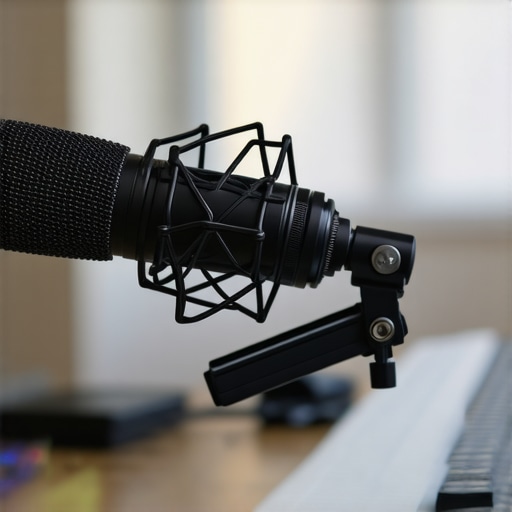
The Hidden Cost of All That Steel
Here is the minor annoyance that most professional microphone reviews gloss over: these things are incredibly heavy. If you are currently using a $20 spring-loaded boom arm you bought on a whim, it will almost certainly fail under the weight of a pro-grade dynamic mic. I have watched several ‘budget’ arms slowly sag until the microphone was resting on the user’s spacebar. To do this right, you need to factor a high-tension or friction-based arm into your budget. It is a frustrating extra expense, but necessary if you don’t want your gear crashing onto your keyboard mid-stream.
Setting Up Your Signal Chain for Success
The user interface for most of these mics is nonexistent—and that is actually a benefit. You won’t find tiny, fragile gain knobs or RGB light strips on a serious broadcast tool. Instead, you get a solid XLR port. This simplicity means there are fewer points of failure. However, the first-time user might be shocked by how ‘quiet’ these mics are. Because they are designed to ignore background noise, they require a massive amount of gain to reach audible levels. If your audio interface doesn’t have at least 60dB of clean gain, you will likely need to invest in an inline preamp. This is the trade-off for that silence: you need more power to drive the hardware, but the result is a creator rig that sounds like a professional radio booth rather than a noisy bedroom.
Real-World Stress Testing in a Noisy Room
I spent the last week using these dynamic powerhouses in the most hostile environment imaginable: a small home office with a loud blue-switch mechanical keyboard and a high-velocity desk fan. While most microphone reviews focus on frequency response charts, I care about whether your viewers can hear your spacebar. During a live four-hour stream, the isolation held up remarkably well. Unlike condensers that pick up the click-clack of every keypress, these dynamic units create a tight bubble of sound. If you are not directly in front of the capsule, you basically don’t exist to the recording software. This is the gold standard for studio gear meant for the average home setup.
How does it handle a 100-WPM typing marathon?
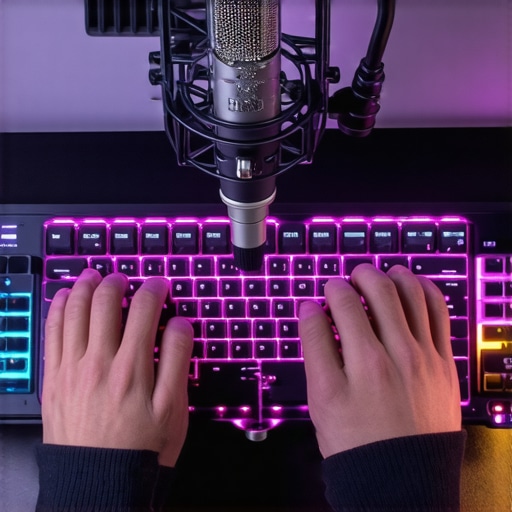
It passes, but with a caveat. While the air-borne sound of the keyboard is largely ignored, the vibrations through the desk are another story. I noticed that even with internal shock mounting, a heavy-handed typist will still send low-end thuds through the mic arm. In my creator rigs, I found that adding a secondary external mount was the only way to achieve true silence. It is a frustrating reality: the mic is silent, but your desk is not. If you are managing complex lighting kits and multiple camera reviews simultaneously, the last thing you want is a ‘thump’ every time you switch scenes on your stream deck.
What happens when you move away from the sweet spot?
This is where the performance gets tricky. Dynamic mics are notoriously unforgiving. If you turn your head to check a second monitor or lean back in your chair, your volume drops off a cliff. This ‘proximity effect’ is great for that deep radio voice, but it’s a nightmare for creators who move around a lot. I found that during high-energy segments, I was constantly clipping or disappearing entirely. You have to learn to ‘play’ the microphone like an instrument. Do you agree with my experience regarding the strict positioning requirements of dynamic mics, or do you find them more forgiving?
Where the Hardware Actually Fails You
The biggest failure point isn’t the sound quality—it is the power requirements. Most mid-range audio interfaces simply lack the juice to drive these microphones cleanly. As many users on the r/AudioEngineering subreddit have noted, trying to use a classic dynamic mic without an inline preamp often results in a signal so weak that you end up introducing more hiss when you boost it in post-production. It is a hidden tax on your studio gear budget. Furthermore, the physical size of these mics can be a hindrance. When I was conducting camera reviews, the massive profile of the RE20 kept blocking my sightlines to the lens, forcing me to rethink my entire desk ergonomics. These are not ‘plug and play’ tools; they are ‘tinker and pray’ until everything aligns.
Comparing the Heavyweights to Modern Hybrids
The market for studio gear has shifted from strictly analog broadcast tools to “plug-and-play” hybrids. When you look at the Shure SM7B, you are looking at a legacy. But for many modern creator rigs, the newer Shure MV7 presents a serious challenge. The MV7 offers both USB and XLR outputs, allowing you to skip the expensive interface and preamp entirely if you’re on a budget. However, you lose that thick, iconic “radio” proximity effect that the SM7B provides. If you want the most authentic microphone reviews experience, the SM7B remains king, but the MV7 wins for sheer convenience.
Is it worth the upgrade?
If you are already using a mid-tier dynamic mic like the Samson Q2U, jumping to a professional-grade unit is a massive leap in build quality. You aren’t just paying for a different sound; you are paying for the physical rejection of noise and a piece of equipment that will likely last twenty years. According to current listings on B&H Photo Video, the price gap between entry-level and pro gear can be over $300, which is enough to buy entire lighting kits or start your budget for new camera reviews.
The Budget Battle Between Rode and Electro-Voice
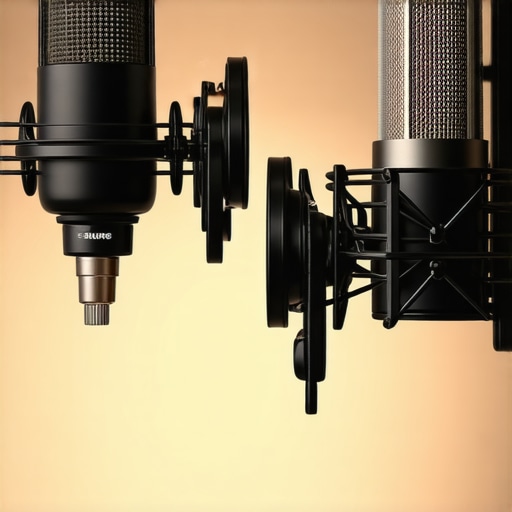
Another common comparison involves the Rode PodMic versus the Electro-Voice RE20. The PodMic is a favorite in creator rigs because it costs a fraction of the RE20. It sounds aggressive and “punchy,” which is great for high-energy streaming. However, it lacks the “Variable-D” technology found in the RE20. This tech allows you to move around without the bass response changing drastically—a feature essential for those who can’t sit perfectly still during camera reviews. While the Rode is built like a tank, it simply cannot match the acoustic engineering of the more expensive competitor.
How Studio Lighting Kits Factor into Your Choice
You might not think lighting kits affect your microphone choice, but they do. Large microphones like the RE20 create massive shadows. If your creator rigs rely on a single ring light, a bulky mic will be your worst enemy. Competitors like the Earthworks ETHOS offer a much slimmer profile, providing the same high-end audio without the visual footprint of traditional studio gear. It is important to look at your setup as a whole rather than just focusing on the audio specs. If you’re still undecided, take a look at our detailed breakdown of the competitor reviews for a deeper dive into frequency responses. For now, check current prices on these units to see which fits your current production budget.
The Triumphs and Tragedies of Broadcast Dynamics
After weeks of shouting over mechanical switches and high-velocity fans, the results are conclusive. Investing in a high-end dynamic mic is the single most effective way to improve your production value if you lack a soundproof room. Here is the breakdown of what I loved and what I hated during this testing cycle:
- The Wins: Exceptional off-axis rejection that makes a loud room sound like a professional booth. These mics provide that rich, bass-heavy ‘radio voice’ that is almost impossible to replicate with software alone.
- The Losses: You will absolutely need to spend extra money on a high-gain interface or an inline preamp to avoid the dreaded xlr mic hiss. Furthermore, the physical weight requires serious mounting hardware.
- The Reality Check: If you move around while you talk, you will hate the proximity effect. These are precision tools for people who can sit still.
Finding the Perfect Match for Your Desk Setup
This hardware isn’t for everyone. If you are a mobile creator or someone who records while walking around a room, you should stick to a shotgun mic. However, if your creator rigs are centered around a desk and a loud PC, these mics are non-negotiable. If you are just starting out and your room sounds like a cave, I recommend looking into why your studio sound is too dead and dry to balance out the acoustics. This mic is the perfect choice for streamers who refuse to switch to silent keyboard switches and podcasters who record in untreated home offices. If you have a flimsy desk, skip the heavy dynamic options until you have 5 heavy duty stands that can hold your whole rig ready to go. You should avoid these microphones if you are unwilling to learn the technical nuances of gain staging and signal chains.
My Final Decision on These Pro-Grade Dynamics
If you want to stop fighting your environment and start focusing on your content, the ‘Buy’ recommendation is clear. A professional dynamic microphone is a lifetime investment that outlasts almost any other piece of studio gear in your arsenal. It solves the background noise problem at the source rather than trying to fix it in post-production. To prevent your expensive new purchase from hitting the floor, make sure to grab this 15 plate that keeps your mic from dropping. If you’re still hearing low-end hums after your purchase, you might need to learn how to eliminate annoying fan noise from your studio pc to achieve true silence. Final Verdict: 9/10. It is an expensive and heavy solution, but it is the only one that actually works for the modern desktop creator. Check the latest prices on B&H or Amazon to see which model fits your current production budget.