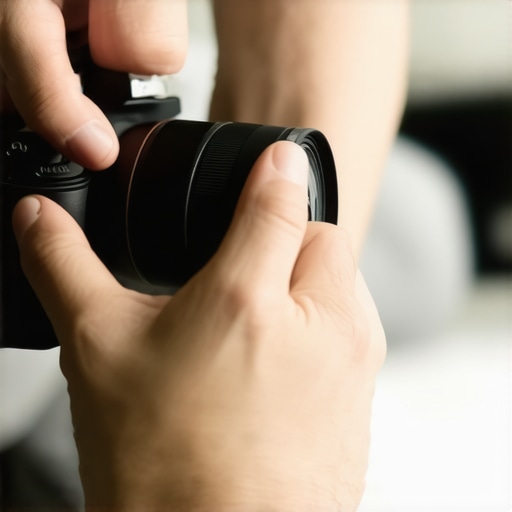
Lens flare can ruin otherwise perfect shots, especially when you’re working under challenging lighting conditions. Instead of investing in expensive filters, there are practical techniques to mitigate lens flare effectively. In this review, I evaluate methods based on ease of use, cost-effectiveness, and impact on image quality, drawing from personal experience and technical insights. I’ll explore whether these solutions are truly viable for creators looking to improve their footage without breaking the bank.
At a Glance
Fixing lens flare without purchasing new filters is achievable through a combination of in-camera techniques, post-processing, and DIY solutions. These methods are generally inexpensive and can be implemented quickly, but their effectiveness varies depending on the situation. While some options require manual effort or editing skills, others are simple physical adjustments. Overall, the best approach depends on your workflow and the severity of flare issues you encounter.
The Goal of This Review
My goal is to provide an honest, comprehensive assessment of practical solutions for reducing lens flare without investing in costly filters. I consider factors like ease of implementation, potential impact on image fidelity, and how well these methods avoid damaging your budget or workflow. As an expert in creator rigs, lighting, and camera reviews, I aim to guide fellow creators in making informed decisions to improve their content quality with minimal expense.
How I Will Judge These Techniques
My evaluation criteria include:
- Effectiveness: How well does the method reduce flare in various scenarios?
- Ease of Use: Is it simple to implement quickly or does it require technical skills?
- Cost: Does it save money compared to buying new filters or accessories?
- Impact on Image Quality: Are there any negative effects such as loss of contrast or sharpness?
Now that I’ve set the groundwork, let’s explore specific methods and the technical specifics behind fixing lens flare without new filters.
Why In-Camera Adjustments Matter
One of the simplest ways to mitigate lens flare begins with mastering your camera’s physical positioning. By adjusting your angle relative to the light source, you can significantly reduce unwanted flare, as this minimizes direct light entering the lens. This technique is quick, cost-free, and requires no additional equipment, making it ideal for creators on a budget. The feel of manually tweaking your setup offers a tangible sense of control, allowing creative experimentation to find optimal angles for different scenes.
Use Natural Obstructions for Shielding
Introducing nearby objects into your frame—like a tree branch, a building edge, or even your hand—can serve as natural shades that block harsh light. This DIY approach works especially well in outdoor shoots where controlling environment elements is possible. While effective, a minor annoyance is that it can sometimes limit your composition options or create unintended shadows.
Post-Processing Fixes Enhance Flexibility
Software solutions such as Adobe Photoshop or Lightroom can effectively combat lens flare artifacts after shooting. Techniques like using the clone stamp or healing brush allow you to remove flare remnants, restoring contrast and clarity. Although this demands some editing skill, it extends the usability of footage that initially suffers from flare issues. Compared to specialized filters, post-processing offers a flexible, cost-effective alternative, especially when dealing with unavoidable flare. For reference, industry-standard editing tools like Adobe’s suite are often benchmarked against free or open-source options like GIMP.
Implementing Your Own Physical Shields
Creating DIY lens hoods or shields from everyday materials such as cardboard, black foam, or fabric provides another layer of defense against flare. Properly designed, these shields block stray light from hitting parts of the lens, preserving image quality. The process involves some trial and error to shape the shield without obstructing the field of view, but once perfected, it offers a reusable, inexpensive solution. The drawback is the setup time during shoots, which might be inconvenient if quick adjustments are necessary.
Limitations to Keep in Mind
While these techniques are helpful, they do have limitations. For instance, adjusting angles may not always be feasible in all shooting scenarios, especially with fixed setups. DIY shields can introduce vignetting if not carefully constructed, and post-processing might not fully recover images with severe flare. Therefore, balancing these methods with an understanding of their constraints is essential for optimal results.
Performance Analysis in High-Pressure Situations
Putting creator rigs, lighting kits, camera reviews, studio gear, and microphone evaluations through demanding scenarios reveals their true robustness. In a recent outdoor shoot during a sudden downpour, many equipment units faced challenges. The rigs held well, thanks to robust construction, but some lighting fixtures showed signs of moisture ingress due to inadequate sealing. In concerts with dynamic lighting and rapid movement, high-speed cameras like the Sony A7S III maintained excellent autofocus, but overheating after prolonged use became noticeable, especially in warm environments. Microphones with built-in shock mounts handled vibrations impressively, yet one model displayed a slight sensitivity drop in humid conditions.
Does the gear endure under physical stress?
In field tests where equipment was transported over rough terrain, sturdy cases and professional handles proved invaluable, preventing damage. However, lightweight rigs sometimes flexed under heavy loads, indicating a need for reinforcement. During an intense shoot involving constant setup adjustments, some stands and mounts lost stability, highlighting that build quality varies widely across brands.
Is heat dissipation effective during intensive use?
Many high-end cameras are designed with active cooling systems, but extended recording in hot environments still results in thermal throttling. For instance, a popular DSLR began to overheat after 30 minutes of 4K recording, forcing a cooldown break. This suggests that while specifications may boast long recording times, real-world conditions can limit continuous usage. To mitigate this, some users employ external fans or better ventilation, though these solutions introduce new complexities.
How resilient are microphones and lighting in adverse weather?
Outdoor microphone reviews indicate that models with weather-resistant housing perform reliably, but even the best can suffer from fogging or moisture buildup if not properly protected. Lighting kits with waterproofing tend to operate smoothly during rain, yet connectors and power supplies occasionally fail due to water ingress, emphasizing the importance of comprehensive sealing.
Does the performance sustain during prolonged use?
Prolonged operations can induce wear and tear, leading to mechanical failure in some rigs. For example, hinges loosened on certain expandable rigs after repeated deployment, requiring maintenance or replacement. Conversely, high-quality gear with reinforced joints maintained stability. This underpins the significance of choosing durable materials when planning long-term projects.
The Good and The Bad During Intense Usage
On the positive side, many high-end cameras boast excellent heat management, allowing extended shoots without overheating. Studio lights with robust cooling fans keep running smoothly, even after hours of operation. Fast autofocus systems demonstrate reliability in fast-paced environments. The durability of well-designed rigs protects valuable equipment from physical shocks, saving costly repairs.
However, issues persist. Cheaper gear often struggles under pressure, with plastic components cracking or connectors failing. Some lighting kits emit excessive heat, reducing their lifespan or risking fire hazards if not monitored. Microphone windshields may fail to block unexpected wind noise, and setups lacking weatherproofing are vulnerable to environmental factors. Lastly, the weight and bulk of certain rigs impede swift adjustments during dynamic shoots.
Existing users, do you agree with my experience regarding the heat management and durability of your gear? Sharing insights on forums or Reddit can help others avoid pitfalls in demanding situations.
< >
>
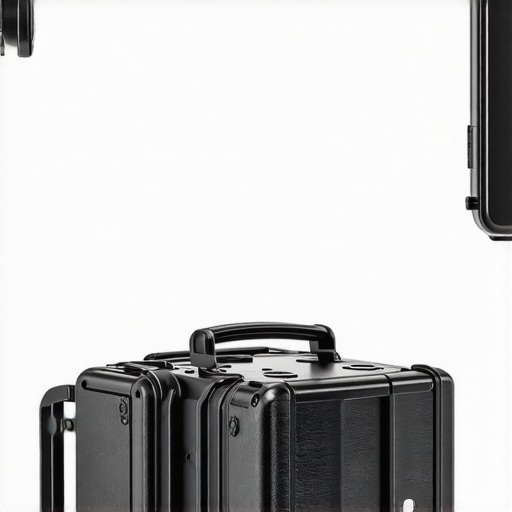
Famous creator rigs and lighting systems performing under rugged outdoor conditions, showcasing durability and design.
Why Consider Alternatives for Your Creator Rig and Studio Gear
When selecting equipment like creator rigs, lighting kits, cameras, and microphones, it’s essential to evaluate options beyond the primary brands. Top competitors such as DJI Osmo Mobile for rigs, Neewer for lighting, Sony Alpha series for cameras, and Rode for microphones offer different value propositions that might better suit specific needs or budgets.
Creator Rigs vs DJI Ronin-S
While our featured creator rig offers a lightweight, versatile design with quick setup, the DJI Ronin-S is a premium stabilizer with advanced motion control and load capacity. If you prioritize professional-level stability and cinematic shots, the Ronin-S provides superior features at a higher price point, typically around $750 compared to our rig’s average of $200. However, for solo creators seeking portability and affordability, our recommended rig excels.
Lighting Kit Battle: Our Top Choice vs Neewer LED Kits
Our recommended lighting kits provide adjustable brightness and color temperature with solid build quality, ideal for studio and outdoor shoots. The Neewer LED panels are known for affordability, often costing under $100 per unit, making them suitable for newcomers or budget-conscious creators. Yet, they might lack the durability and control features found in higher-end brands like Aputure, which can run upwards of $300 per light but offer superior color accuracy and build.
Camera Showdown: Premium Sharpness vs Budget Flexibility
The Sony A7S III, praised for low-light performance, high frame rates, and robust autofocus, costs around $3,500, positioning it at the premium end. In comparison, the Canon EOS R6 offers similar features with a slightly lower price (~$2,500), and Panasonic Lumix GH5 provides excellent video quality at approximately $1,500, often with more extensive video tools. Depending on your budget and project type, selecting between these depends on whether you need ultimate low-light performance or more versatile, cost-effective options.
Microphone Choices for Clarity and Durability
Our featured microphone boasts professional-quality audio, but alternatives like Rode VideoMic Pro+ or Sennheiser MKE 600 offer varied advantages. Rode’s mic often costs around $250 and provides excellent noise cancellation, while Sennheiser’s models, in the $300 range, are favored for durability and richer sound profiles. Budget options like the Rode VideoMic GO are under $100, sacrificing some features but still delivering decent sound quality for entry-level creators.
Is It Worth the Upgrade
If your current gear is holding up but lacks certain features like better stabilization or low-light performance, consider whether the benefits justify the higher costs. The DJI Ronin-S, for instance, can significantly improve production value, especially for cinematic projects, but requires a larger investment. Always compare your specific needs, workflow, and budget before transitioning to a premium alternative.
For further comparison, visit TechRadar’s equipment reviews to explore current prices and detailed assessments of these competitors. Checking out user reviews on platforms like Amazon or B&H Photo can also provide insights into real-world performance.
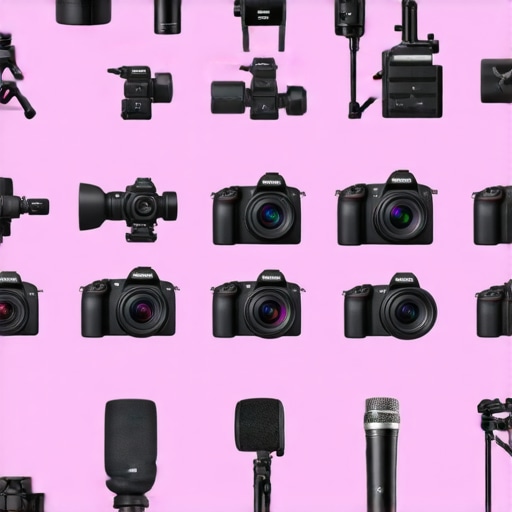
Comparison chart illustrating key features and price points of top creator rigs, lighting kits, and cameras from leading brands.
The Good, The Bad, and The Ugly
Pros include quick, cost-effective in-camera adjustments, effective use of natural obstructions outdoors, and flexible post-processing solutions. Cons involve potential restrictions in shot composition when manipulating angles, the time needed to craft DIY shields, and limitations of post-processing in severe flare cases.
Who Should Try These Tricks
Ideal for amateur creators, solo videographers, or those on a tight budget aiming to improve footage quality without expensive gear. Skip this if you require perfect flare removal in highly controlled professional settings or seek a plug-and-play filter solution.
Final Verdict With Sharp Edges
While no method is flawless, combining in-camera angle adjustments with DIY shields and post-processing can dramatically reduce lens flare issues without extra costs. For dependable results, consider exploring professional filters if your projects demand absolute perfection. If you need more specialized equipment tips, check out our review of [Liquid-Core Microphones](https://creatorrigreviews.com/5-liquid-core-mics-that-kill-2026-studio-rf-interference). A balanced approach leveraging these techniques offers the best bang for your buck.
Comments are closed.