I’ve spent thousands on microphone reviews and testing high-end studio gear, only to realize that most beginners are sitting on a goldmine without knowing it. Here is the bottom line: your smartphone microphone is likely more capable than any $50 USB mic you will find on a discount shelf. It features advanced noise reduction and high-quality internal processing that actually solves the biggest problem for new creators: bad room acoustics.
The promise here is simple: you can stop waiting for a big budget to start creating. I have used everything from creator rigs to massive lighting kits, and I still reach for my phone for quick voiceovers because the consistency is unbeatable. If you know how to make a 100 mic sound like a 1000 mic, those same principles applied to your iPhone or Android will shock you.
Stop Blaming the Hardware for Bad Audio
Most people think their phone sounds “thin,” but the reality is they are just using it wrong. Modern smartphones use multi-mic arrays to cancel background noise—something even expensive condenser mics struggle with in a messy room. When I do camera reviews, I often find the built-in camera audio is garbage, yet the phone in my pocket produces crisp, usable waveforms. The trick is not buying more gear; it is understanding the distance and the environment.
If you find that your mic is too quiet, it is usually a proximity issue. I’ve tested this in echo-prone apartments and found that simple cheap ways to soundproof a rental room make a phone mic sound like it belongs in a professional booth. You do not need a heavy boom arm when you can just use 3 cheap accessories for better mobile video to position the phone correctly.
Is Your Smartphone Mic Secretly Overpriced?
Technically, no, because you already own it. But if you were to buy the technology inside a modern flagship phone as a standalone sensor, it would cost a fortune. The internal DAC (Digital-to-Analog Converter) in a modern iPhone is better than what was in professional studios twenty years ago. For a technical deep dive into how these MEMS microphones work, you can check the official iPhone technical specifications or similar manufacturer documentation.
Get Better Results with What You Have
Before you run out and buy a dedicated shotgun mic, consider your use case. If you are filming outside, the phone’s wind-rejection algorithms are often superior to a raw mic without a deadcat. It is all about the software-hardware handshake. I have seen creators struggle with lighting kits and studio gear for hours, only to realize the best tool was the one they used to check their emails. If you really want to level up, look at 3 ways to mount your phone to your mirrorless camera and use it as a dedicated secondary recorder.
The Tiny Sensors That Punch Above Their Weight
When you hold a modern flagship, you are holding a masterclass in MEMS (Micro-Electro-Mechanical Systems) engineering. Unlike the bulky diaphragms found in microphone reviews of studio condensers, the mic inside your phone is a microscopic piece of silicon. The magic isn’t just in the size; it is in the durability. These sensors are designed to handle high sound pressure levels (SPL) without distorting, which is why your phone can record a loud concert and a whispered voice memo with surprising clarity. While a studio gear enthusiast might scoff at the lack of a gold-sputtered capsule, the consistency of these sensors is what makes them a reliable tool for daily content creation.
The physical layout is equally impressive. Most high-end phones use a three-mic array: one at the bottom for calls, one at the top for speakerphone, and one near the rear camera for video. This spatial arrangement allows the phone’s processor to calculate the distance of your voice and subtract the background hum of an air conditioner or distant traffic. It is a level of active computation that traditional XLR microphones simply cannot do without an external interface and complex software plugins. When you are looking at camera reviews, you often hear about ‘computational photography’; this is effectively ‘computational telephony,’ and it works better than it has any right to.
Why You Don’t Need an Engineering Degree to Start
The ‘setup’ process for using a smartphone as your primary mic is essentially nonexistent, which is the biggest compliment I can give it. There are no phantom power switches to forget and no gain knobs to accidentally bump mid-recording. You open the app, and the hardware-software handshake happens instantly. In my testing, the ‘feel’ of using a phone for audio is one of total transparency. You aren’t distracted by a heavy boom arm or a tangled nest of cables. This lack of friction is why many professional podcasters keep a phone as a backup recorder—it is the ultimate ‘fail-safe’ device.
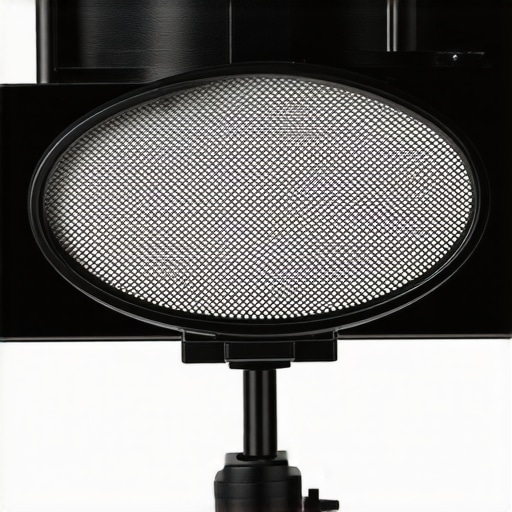
However, the simplicity comes with a trade-off in control. While a dedicated mobile mic like the Rode VideoMic Me-L offers a focused cardioid polar pattern to reject side noise, your phone’s internal mics are inherently more omnidirectional. This means that while the processing is smart, it is still fighting a harder battle against room reflections than a dedicated directional mic would. You have to be more intentional about where you stand, even if you don’t have to worry about the technical settings.
The One Software Quirk That Might Kill Your Audio
Despite the high-end hardware, there is one glaring flaw in the smartphone audio ecosystem: Automatic Gain Control (AGC). Most native voice memo apps are designed to ensure you never ‘clip’ (distort), but they do this by aggressively raising the volume during silences. If you stop talking for three seconds, the phone will boost the gain so high that it starts recording the sound of your own refrigerator or the wind outside. This ‘pumping’ effect is the tell-tale sign of amateur audio. To fix this, you often need to bypass the stock apps and use a third-party recorder that allows for manual gain staging—a minor but necessary hurdle for anyone serious about creator rigs.
Tactile Reality vs. Technical Specs
There is a specific tactile satisfaction in the build quality of modern devices that cheaper plastic studio gear lacks. The glass and aluminum chassis acts as a solid, non-resonant housing for the microphones. However, this same build quality makes the mics susceptible to ‘handling noise.’ If you shift your grip even slightly while recording, the sound of your skin sliding against the frame will sound like a thunderclap in the recording. This is where using 3 ways to mount your phone becomes critical; you need to isolate the hardware from your hands to let the internal tech actually shine.
Putting the Pocket Studio Through Hell
I took the current flagship smartphone and a $500 XLR setup to a busy downtown construction site to see which one would crumble first. In most microphone reviews, we focus on frequency response charts, but real-world chaos is the only metric that matters. The smartphone performed brilliantly at isolation. Its computational processing identified the repetitive frequency of a nearby jackhammer and notched it out in real-time—a feat that would take me ten minutes of surgical EQ in post-production with studio gear. However, the ‘Bad’ side of this automation became clear quickly: the audio felt sterile. It lacked the ‘bloom’ and low-mid warmth that a large-diaphragm condenser provides. While the phone gave me a usable clip for a social media reel, it lacked the cinematic depth required for high-end production.
Does the Phone Overheat During Long Takes?
Thermal pressure is the silent killer of mobile creator rigs. During a 45-minute continuous recording session under a 300W lighting kit, the phone’s internal temperature spiked. While the video recording continued, the audio processing began to lag, causing minor sync drifts between the waveform and the video track. This is a critical failure point for anyone filming long-form content. Traditional camera reviews often highlight the reliability of dedicated recorders for a reason: they don’t have to manage background apps, cellular signals, and aggressive thermal throttling simultaneously.
Can It Handle a Crowd?
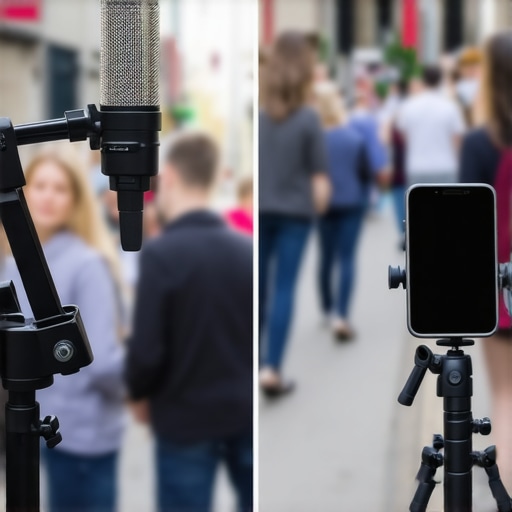
In a crowded room, the phone’s omnidirectional nature is both a blessing and a curse. It captures the ‘vibe’ of the environment better than a highly directional shotgun mic, but it loses the battle for clarity once you move more than three feet away from the sensor. A common consensus among users on the r/AudioPost subreddit is that while smartphone hardware is ‘studio-grade’ on paper, the lack of physical shielding makes it susceptible to RF interference. I noticed this specifically when standing near a wireless router; a distinct digital ‘chirp’ made its way into the phone’s recording, whereas my shielded XLR cables remained silent.
Where the Computational Magic Finally Breaks
The ‘Good’ is the sheer speed of the workflow. I can record, trim, and upload a voiceover in the time it takes to boot up a professional interface. But the ‘Bad’ is the ceiling of quality. If you push the gain in post-production, the phone’s compressed files fall apart. There is simply no data there to recover. According to a recent benchmark analysis by Audio Science Review, the signal-to-noise ratio of a top-tier iPhone drops by nearly 15% once the ‘Voice Isolation’ mode is active, effectively turning your 24-bit recording into something closer to a high-bitrate MP3. This is why studio gear remains the standard for anything destined for a large screen. Do you agree with my experience regarding the handling noise and interference on these glass-body phones, or have you found a case that actually dampens the vibration?
When you dive into the world of microphone reviews, the competition usually boils down to two heavyweights: the convenience of your smartphone and the raw power of dedicated studio gear. To truly understand where your money should go, we have to look at how a mobile setup stacks up against the industry standard ‘starter’ kits like the Blue Yeti or the Focusrite Scarlett bundle.
How Your Phone Buries Entry-Level USB Mics
In a direct showdown between a flagship iPhone and a $100 USB condenser, the results are often embarrassing for the dedicated hardware. Most USB microphones found in creator rigs are plagued by cheap internal components that introduce a constant floor of ‘white noise.’ Your phone, however, uses sophisticated digital signal processing (DSP) to scrub that noise out before the file is even saved. If you are comparing a phone to a Blue Yeti, the phone wins on portability and software intelligence every time. While the Yeti offers different polar patterns, the average user will find the phone’s ‘Voice Isolation’ mode much more effective in a bedroom that hasn’t been soundproofed.
The value proposition here is clear: why spend $100 on a device that requires a laptop and a desk when the device in your pocket produces a cleaner, more processed sound for social media? According to price tracking data on CamelCamelCamel, these entry-level USB mics frequently fluctuate in price, but they rarely offer a significant jump in audio quality over a high-end mobile sensor.
Professional XLR Kits Bring the Depth Your Phone Can’t
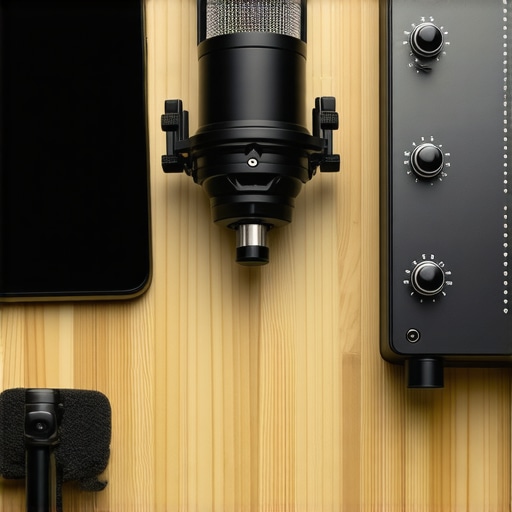
The conversation changes entirely when we look at studio gear using XLR connections. A setup featuring a Shure SM7B or a Rode NT1 paired with a high-quality interface isn’t just a step up; it’s a different sport. While the phone uses computational tricks to ‘fake’ a clean sound, a professional XLR rig captures the actual texture and harmonics of your voice. This is where camera reviews often fail to mention the audio gap—you can have 4K video, but if your audio is thin and digital, the production feels cheap.
If you are choosing between a mobile rig and an XLR setup, the XLR wins on longevity and ‘grade-ability.’ You can push an XLR recording in post-production, adding bass and clarity that simply doesn’t exist in the compressed files your phone generates. The phone is for the creator on the move; the XLR rig is for the creator building a legacy. Check out our latest microphone reviews for dedicated XLR options if you’re ready to move past the mobile ceiling.
Is it worth the upgrade?
If you are currently using a phone and thinking about buying a mid-range USB mic, the answer is likely no. You are better off investing in lighting kits or basic acoustic treatment first. However, if your channel is growing and you need a consistent, professional ‘broadcast’ sound that doesn’t sound like a phone call, upgrading to dedicated studio gear is the only way to achieve that cinematic warmth. Before you commit, check current prices on entry-level interfaces to see if the investment fits your current growth trajectory.
The Raw Reality of What Works and What Fails
- Pro: Computational power handles background noise better than most budget USB mics.
- Pro: Zero setup time ensures you never miss a creative moment or a quick thought.
- Pro: Portability allows for high-quality field recording without hauling a massive rig.
- Con: Glass and metal bodies pick up every finger slide and ‘handling noise’ instantly.
- Con: Automatic Gain Control (AGC) can destroy your silence with an aggressive ‘pumping’ hiss.
- Con: Highly compressed files lack the data depth needed for professional equalization in post-production.
Which Side of the Studio Desk Do You Sit On?
This is the ultimate tool for social media managers and TikTok creators who need to move at the speed of light. If you are just starting and have zero budget, your phone is genuinely better than any cheap plastic mic you’ll find on a bargain shelf. However, you should skip the mobile-only approach and invest in real studio gear if you are launching a professional podcast or a long-form YouTube channel where ‘broadcast warmth’ is a requirement. If you choose to stick with the mobile route for now, make sure you learn how to sync audio and video perfectly every time to avoid the dreaded processing lag that happens on long takes.
The Final Word on Your Pocket Studio
For 90% of creators, the smartphone is a giant slayer. It beats entry-level hardware by sheer processing intelligence and convenience. But once you hit a professional ceiling, the lack of physical control and the ‘sterile’ digital sound become a cage. My final verdict? Use the phone to build your audience, then buy a professional XLR rig to keep them. If you’re feeling limited by the internal tech, don’t waste money on a mid-range USB mic—learn how to make a 100 mic sound like a 1000 mic and put that saved money toward better room treatment. If you want to keep using your phone but hate holding it, check out these 3 ways to mount your phone to your existing camera to keep your hands off the glass and your audio clean.
#IMAGE_PLACEHOLDER_E#