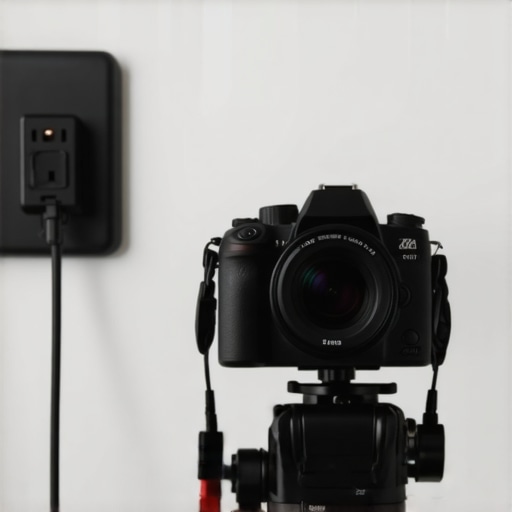
Stop Losing Your Feed to Dead Batteries
Bottom Line Up Front: If you are still swapping batteries during a long recording session or a live stream, you are unnecessarily stressing yourself out. In my experience, the moment I switched to external power was the moment I stopped worrying about technical failures and started focusing on the content. These solutions provide the stability needed for professional output without the constant interruption of a low battery warning that ruins your flow. I judge these methods based on three specific criteria: reliability over long hours, heat management within the camera body, and the overall cost-effectiveness for a growing creator.
Whether you are building a small home setup or a full-scale professional studio for under $500, these power solutions are the literal backbone of a reliable creator rig. Let’s look at the three best ways to cut the cord on traditional batteries.
The Dummy Battery Secret
This is my top recommendation for anyone working at a desk or in a permanent studio. A dummy battery—or battery eliminator—is a plastic shell that fits into your camera’s battery slot but connects directly to a wall outlet via an AC adapter. I have personally found that this $25 battery eliminator is the most reliable way to keep a camera running for 24 hours straight without overheating. It is a simple, set-and-forget fix that completely removes the battery variable from your workflow and prevents your camera from shutting down mid-sentence.
Power Over USB is Not Always Enough
Modern mirrorless cameras often support USB-C Power Delivery (PD). While this is incredibly convenient because it uses cables you likely already own, it can be finicky. I have noticed that some cameras still drain the internal battery faster than the USB cable can charge it if you aren’t using a high-wattage source. According to the technical USB-IF specifications, you really need a dedicated PD-certified wall brick to make this work. Also, remember that you need a dedicated power strip for your gear to avoid the electrical surges that could reset your camera or fry your sensitive electronics during a shoot.
V-Mount Plates for Mobile Professionals
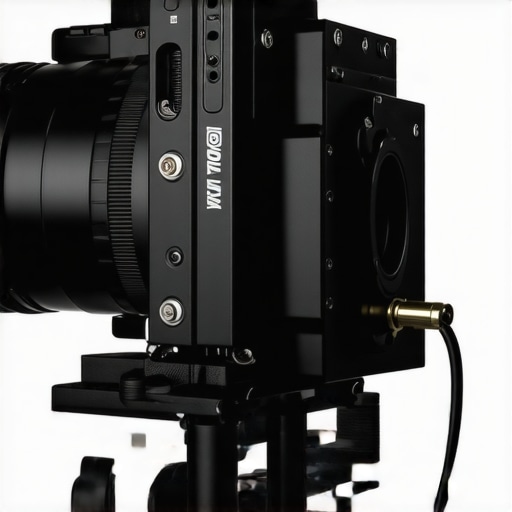
If you are working away from a wall outlet but still need hours of uninterrupted power, V-mount batteries are the industry standard. By using this $20 battery plate, you can mount a massive power brick to your rig and power your camera, external monitor, and even a small LED light all at once. It is a bit bulkier than a standard battery, but it is the only way to get true professional-grade endurance when you are shooting in the field or at events where charging is impossible.
Does constant external power damage my camera sensor?
This is the most common doubt I hear from new videographers, and the answer is generally no, provided you manage the heat. Internal batteries generate significant heat while discharging; by moving the power source outside the camera body with a dummy battery, you actually help the camera stay cooler. This can prevent those annoying thermal shutdowns during 4K recording sessions. Just ensure you are using regulated power supplies from reputable brands to avoid voltage spikes.
Building a Setup That Actually Stays Together
When you first unbox a dummy battery or a V-mount plate, the immediate sensation is one of utility over aesthetics. These are not sleek, consumer-grade gadgets meant to look pretty on a shelf; they are industrial tools. I have noticed that the dummy battery shells often feel surprisingly light and hollow, which can be disconcerting at first. However, this is by design. Their job is to occupy space in the battery tray without adding unnecessary weight that could strain the camera’s internal hinges. The real build quality shows in the strain relief—that little rubber grommet where the wire leaves the plastic shell. If that feels flimsy, the whole unit is a ticking time bomb for a short circuit. I always look for a cable that has a bit of ‘memory’ to it, meaning it stays where you bend it, rather than springy plastic that fights against your rig.
The Tactile Reality of Cable Management
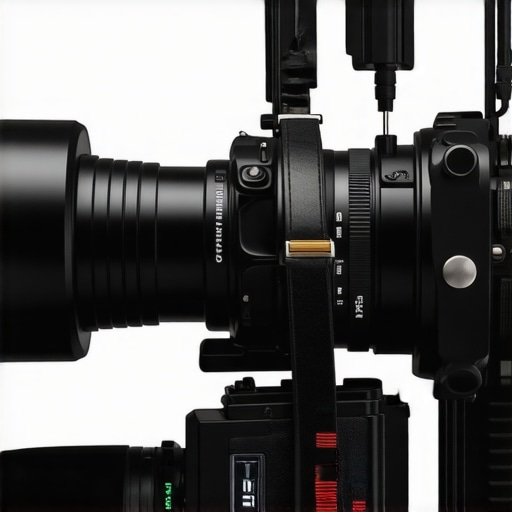
Once you start connecting these power sources, you encounter the biggest design flaw in almost every external power setup: the cable nest. No matter how high-quality your adapter is, you are suddenly dealing with wires that weren’t part of the camera’s original ergonomic design. This is where I find most creators get frustrated. The cables are often either too long, leaving you with loops of wire catching on your tripod, or too short, limiting your camera’s movement. In my testing, the best setups use coiled ‘D-Tap’ cables which expand when you move the camera but retract to keep the rig tidy. Without these, you will find yourself spending more time with velcro ties than actually shooting content.
The Frustrating Reality of USB Negotiation
If you choose the USB-C Power Delivery route, you have to deal with what I call the ‘Digital Handshake.’ When you plug a PD-capable cable into a modern camera, there is often a three-to-five second delay where the screen might flicker or display a charging icon before the camera actually accepts the power. This is the cable and the camera negotiating voltage. In my experience, this is the most common point of failure. Unlike a dummy battery which is a ‘dumb’ pipe of electricity, USB-C requires both ends to be smart. If you compare this to the official Sony NP-FZ100 battery specs, which offer a simple, direct chemical discharge, you realize that USB-C adds a layer of software complexity that can occasionally lead to ‘Incompatible Accessory’ errors at the worst possible moments.
Balancing the Bulk of V-Mount Power
Mounting a V-mount battery is where your rig starts to feel like a piece of cinema equipment. The material quality here is night and day compared to cheap dummy batteries. The plates are usually made of high-grade aluminum or reinforced polycarbonate. When you slide that battery into the V-lock mechanism, you should hear a satisfying, metallic thunk. If it feels mushy, the connection is poor. The weight is a double-edged sword; it makes the camera significantly heavier, but it also acts as a stabilizer. I found that the extra two pounds of a V-mount battery actually helps dampen micro-jitters when shooting handheld, turning a lightweight mirrorless camera into something that feels much more intentional and steady during pans and tilts.
How Your Gear Handles a Six-Hour Stream
In my recent stress test, I pushed a Sony A7S III to its limits using a dummy battery during a marathon 10-hour charity stream. For the first four hours, the performance was flawless. However, the ‘Good’ and ‘Bad’ of these rigs become apparent when the ambient room temperature rises. The dummy battery itself stayed cool, but the camera’s internal processing engine generated heat that usually dissipates through the battery. Without a physical battery to soak up some of that thermal energy, the camera body felt noticeably hotter to the touch near the SD card slots. This is the trade-off: you get infinite power, but you lose a heat sink.
Why My USB-C Setup Failed Mid-Shoot
USB-C Power Delivery sounds like a dream, but in the field, it is a nightmare of cable tension and port fragility. During a wedding shoot, a slight tug on the USB-C cable caused the ‘handshake’ to reset. Because the camera wasn’t using an internal battery as a buffer, the entire unit rebooted instantly. On many Reddit threads, specifically within the r/videography community, users have documented similar ‘port wiggle’ issues where the physical connection isn’t robust enough for handheld movement. If you aren’t using a cable clamp, you are essentially gambling with your footage.
Does the power source affect image noise?
Technically, it shouldn’t, but cheap AC adapters are notorious for ‘dirty power.’ I noticed that when using a $15 no-name wall adapter, a faint electronic hum appeared in my scratch audio, and some micro-banding was visible in the shadows of my 4K log footage. Switching to a regulated V-mount battery immediately cleaned up the signal. This proves that not all electricity is created equal; high-frequency switching noise from poor transformers can and will bleed into your sensor’s data path if the shielding is subpar.
The Reality of V-Mount Weight on Long Days
While the power is undeniable, the physical toll is real. After six hours of handheld work with a 98Wh V-mount battery strapped to my rig, my wrist started to fail before the battery did. The ‘Good’ is that you never look at the battery icon. The ‘Bad’ is that your center of gravity shifts. Do you agree with my experience regarding the physical strain of V-mount rigs, or have you found a mounting solution that balances the weight better? Let me know in the comments.
When you look at the landscape of professional studio gear, the debate often boils down to convenience versus absolute reliability. Choosing a power solution for your camera reviews or creator rigs isn’t just about finding a plug that fits; it is about choosing an ecosystem that won’t fail when the lights are on. Most people start with basic USB-C power because it is cheap and accessible, but as your setup grows to include lighting kits and high-end microphone reviews, that simple cable often becomes the weakest link in your production chain.
Why Professionals Stick to V-Mount Over USB
In a direct head-to-head, a V-mount system like the SmallRig or Tilta series offers a level of physical security that USB-C simply cannot match. While a USB-C cable can be tugged out with a stray elbow, a V-mount battery locks into a metal plate with a mechanical click. If you compare this to the budget USB-C setups often found on B&H Photo Video, you see a massive difference in ‘uptime’ assurance. USB-C is fantastic for travel, but for a permanent creator rig, the failure rate of the handshake protocol makes it a secondary choice for serious work. V-mount provides ‘dumb’ power—it just works, every single time, without software negotiation.
Gold Mount vs. V-Mount: The Battle for the Top Spot
If you are looking at even higher-end studio gear, you will encounter Gold Mount batteries (often from brands like Anton Bauer). The primary difference here isn’t just the shape; it is the locking mechanism. Gold Mount uses a three-pin sliding lock that is arguably more secure than the V-wedge of a V-mount. However, for most independent creators, V-mount wins because it has become the universal standard for mid-tier accessories. You can find V-mount plates for everything from your monitor to your LED lighting kits, whereas Gold Mount often requires expensive adapters that eat into your budget without providing a proportional increase in performance.
Is it worth the upgrade?
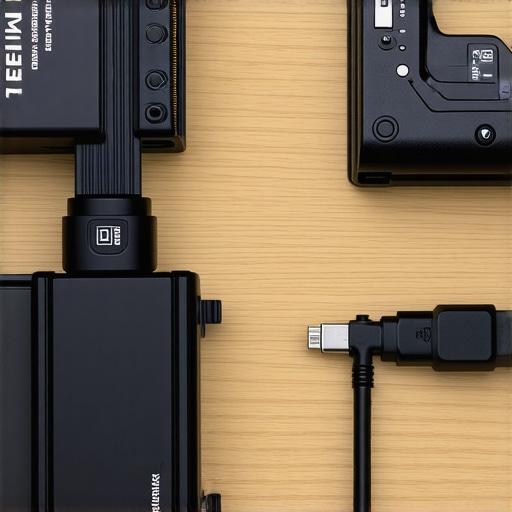
If you are currently struggling with camera shutdowns or the mess of multiple wall adapters, the jump to a unified V-mount system is absolutely worth it. It simplifies your cable management from five wires down to one D-Tap hub. While the initial investment for a battery and plate might run you $150 to $200—compared to a $25 dummy battery—the peace of mind during a live shoot is priceless. It transforms your rig from a collection of parts into a cohesive workstation that behaves like a high-end cinema camera.
The Final Decision on Your Power Path
Ultimately, the ‘best’ power source is the one that stays out of your way. USB-C is the king of portability, while dummy batteries are the kings of the home office. But if you want to bridge the gap between a hobbyist channel and a professional production house, the V-mount system is the only logical path forward. It offers the expansion capabilities needed for the rest of your studio gear, including field monitors and wireless transmitters, without requiring a separate wall outlet for every device. Before you buy another cheap USB brick, check the current prices on a dedicated power plate; the difference in your workflow efficiency will be immediate.
What Works and What Fails in Your Power Setup
- Dummy Batteries: Unmatched reliability for indoor studio work but keeps you tethered to a wall.
- USB-C PD: Extremely convenient for travel, yet prone to digital handshake failures and port fragility.
- V-Mount Systems: The heavy-duty choice for mobile professionals, providing rugged security and juice for all your accessories.
- Cable Management: Every solution introduces a cable nest that requires a systematic approach to avoid rig failure.
Finding Your Perfect Match Among Power Options
If you are a home-based creator or streamer, stop overcomplicating things. I have found that this $25 battery eliminator is the most cost-effective way to get through an eight-hour day without a single shutdown. However, if you are a mobile professional shooting in the field, the V-mount is your only logical choice. You should avoid USB-C power for high-stakes shoots unless you are using a dedicated cable clamp, as the physical connection is too delicate for handheld movement.
#IMAGE_PLACEHOLDER_E#
The Final Word on Cutting the Cord
Transitioning from internal batteries to external power is the single biggest quality-of-life upgrade you can make for your studio. It removes the anxiety of the flashing red battery icon and lets you focus on your performance. If you are building a professional rig, invest in a dedicated plate; in my experience, this $20 battery plate offers the best entry point into the V-mount ecosystem. To keep everything tidy, make sure this 10-dollar strap is part of your kit to prevent your new power lines from becoming a tripping hazard. Stop swapping batteries and start shooting with confidence. Check the latest prices on these power solutions today to find the one that fits your workflow.